
Content ID and YouTube for independent artists
Every day people upload videos that contain music they did not make. Content ID is the system YouTube uses to find that music, tell the rights holder and let them decide what happens next. For an independent artist it is a source of income, and also a source of confusing claim notices.
On this page
What Content ID does
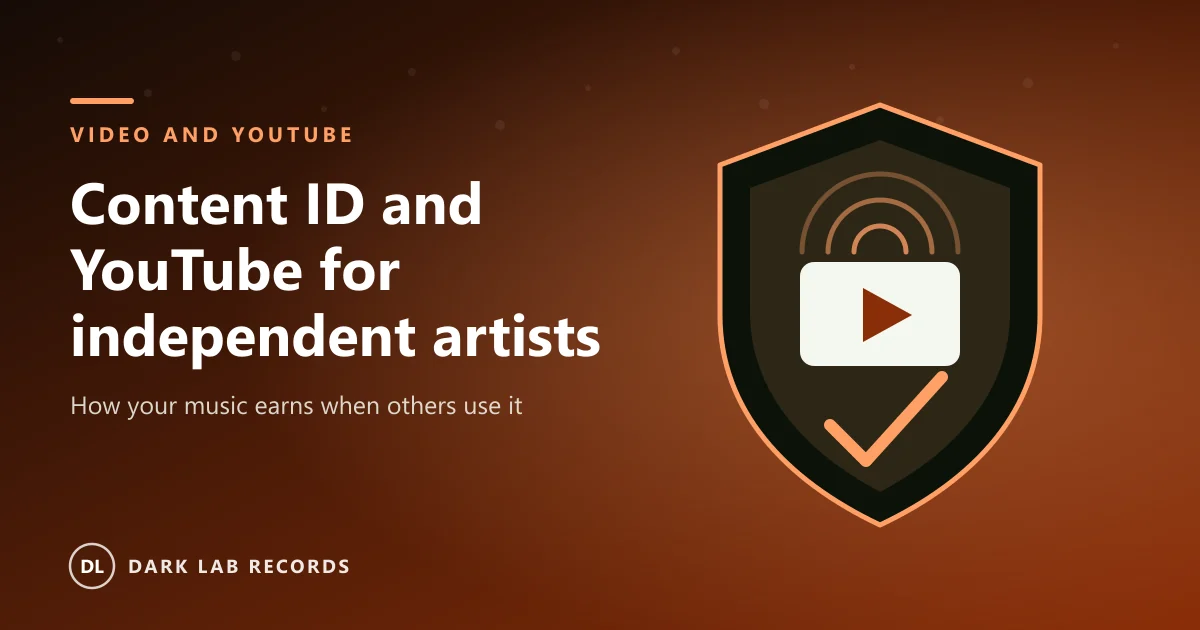
Rights holders deliver reference files of their music to YouTube. YouTube compares every new upload against those references. When a match is found, a claim is placed on the video and the rights holder's chosen policy is applied.
That policy is usually one of three: monetise the video and collect the advertising revenue, track it to see the statistics, or block it. Most independent artists choose to monetise, because fans using a song in a video is free promotion that also pays.
Who can use Content ID
YouTube gives Content ID access to rights holders who can show they own exclusive rights to original material that is often re-uploaded. Individual artists with a few releases are not usually given direct access. Most go through a distributor or rights manager that already has it.
That is one of the reasons to choose a partner that handles YouTube rights properly. The service should register your music, deliver the reference files and pass on the earnings in your statements.
Why your own videos get claimed
A common problem is a claim on your own upload. If you uploaded a video of your song to your channel and your distributor also registered the song with Content ID, the system may see two copies and claim one.
The fix is to tell your distributor which channels are yours so they can be marked as approved, and to keep a note of every official channel you use. If a claim does appear, the dispute option is for cases where you hold the rights. Use it only when it is true.
Tip: Give your distributor the exact name and link of your official artist channel and any topic channel before you release.
How to protect your income
- Register your music with a distributor or rights manager that supports YouTube Content ID.
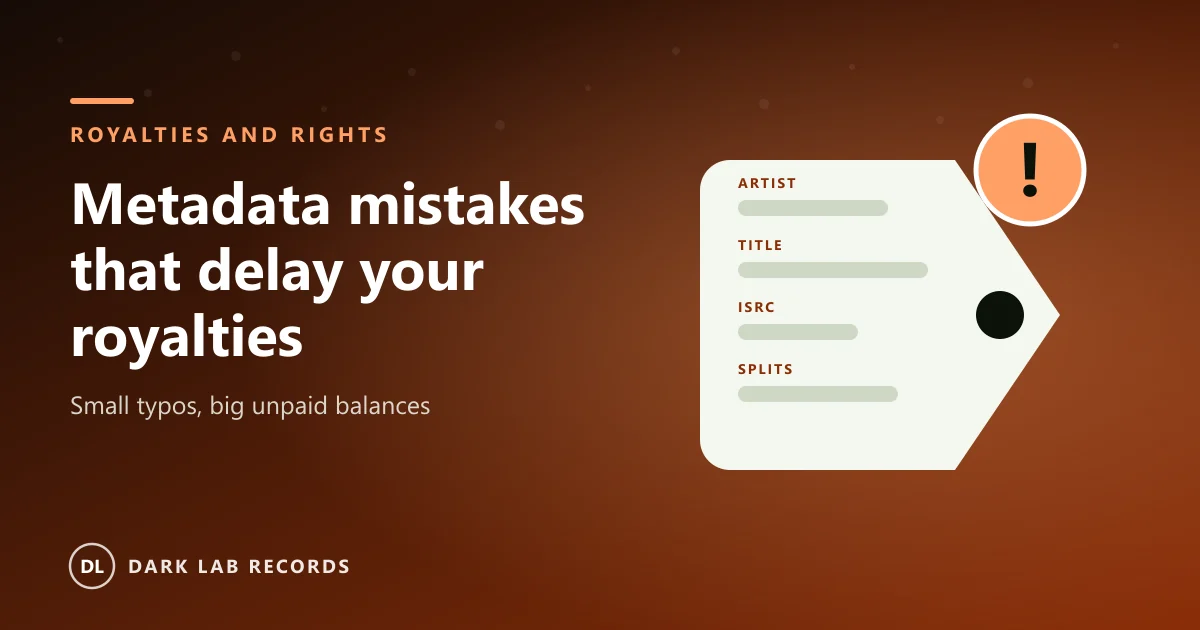
- Keep your release metadata accurate, including artist names, track titles and ISRC codes.
- Tell your partner about samples and remixes so they are not claimed by the wrong party.
- Check your statements for YouTube income and ask questions if a month looks wrong.
- Do not use Content ID on music you did not write or do not control.
Where publishing fits in
Content ID usually collects for the recording. The songwriting side is a different income that comes through publishing and your collection society. If you write your own songs, make sure both sides are being collected. Our guide to music publishing explains the difference.
Frequently asked questions
Does Content ID cost anything?
YouTube does not charge for using it. Your distributor or rights manager may take a share of the income they collect for you, so check their terms.
Can Content ID remove a video that uses my music?
Yes, if you choose a block policy. Most artists prefer to monetise, because it keeps the video online and pays you.
What if someone else claims my song?
Contact your distributor with proof of ownership. If the claim is wrong you can dispute it through the process YouTube provides. Only dispute a claim when you are sure you hold the rights.
Written by
Dark Lab Records Ltd team
Practical guidance on releasing music, video and publishing from the Dark Lab Records team in the UK, the United States and Canada.